 Invite In
Planning a Seollal gathering: invitations, replies and seating plan
Seollal 2027 falls on Sunday 7 February, and the holiday runs from 6 to 8 February. Here is a step-by-step guide, from creating the invitation to checking replies and arranging seats.

-
Pick a date and create the invitation
Seollal 2027 is on Sunday 7 February. The holiday lasts three days, from Saturday 6 February to Monday 8 February, and because it overlaps with a Sunday, Tuesday 9 February is expected to be a substitute holiday. Be sure to check the final announcement. Seollal morning is usually spent with family, so gatherings with friends are often held before or after the holiday.
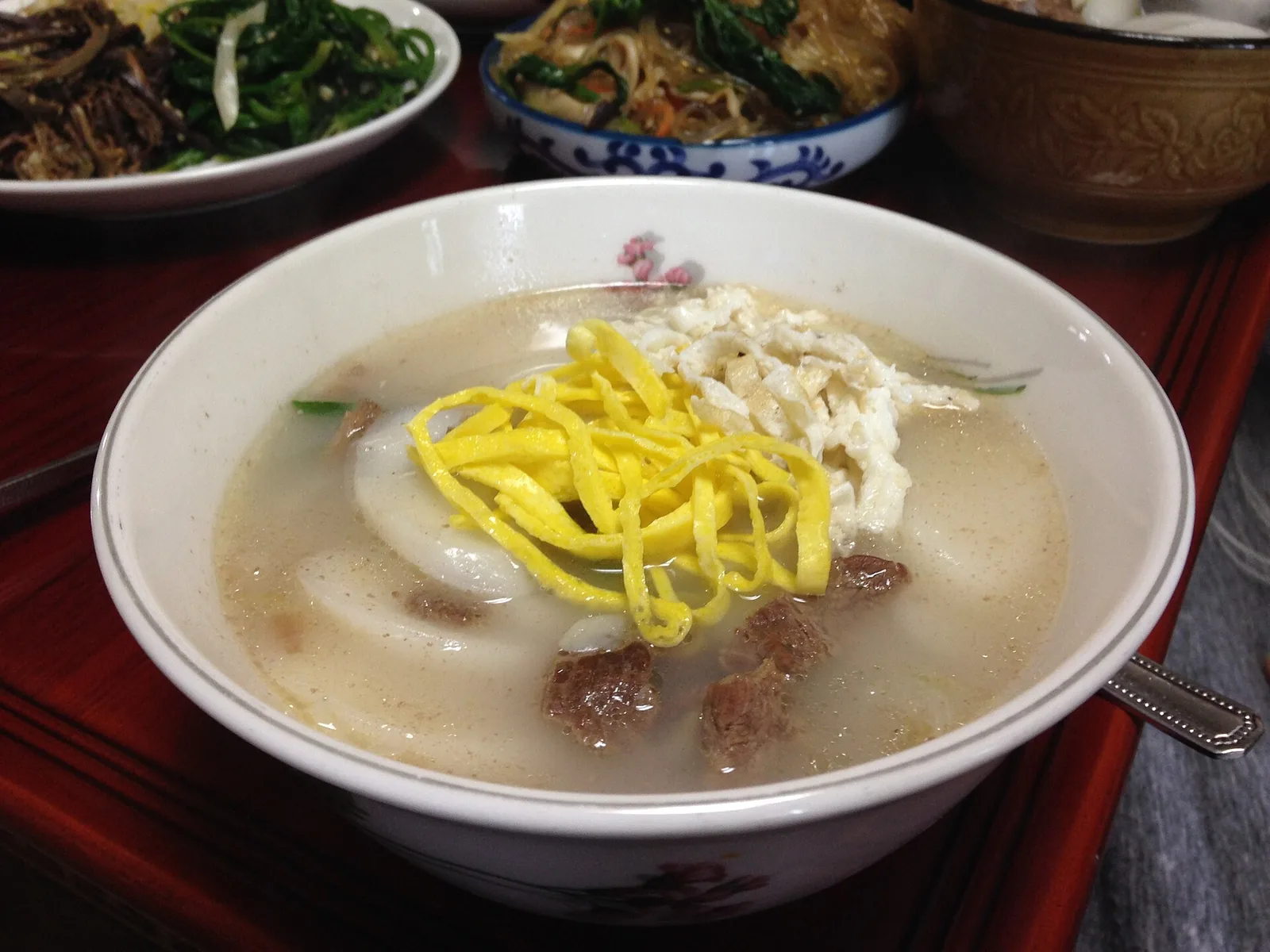
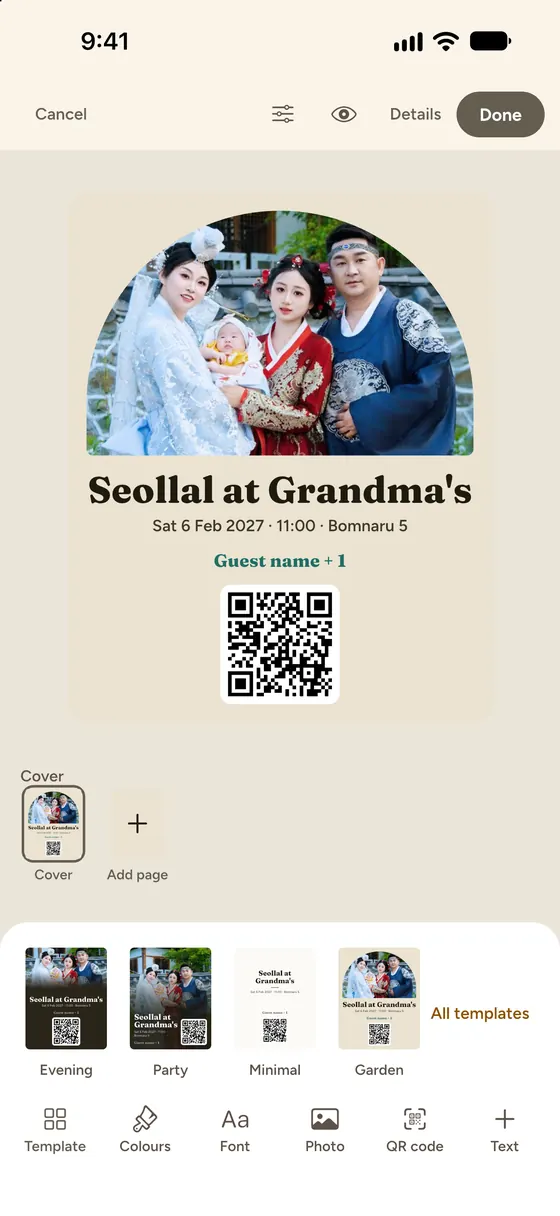
On the invitation, add a title, date, time and address, plus a one-line greeting. The QR code is included automatically. For example, keep it short, like 'Happy New Year, come share a bowl of tteokguk with us'. You can also choose the design, colors and font below.
-
Send each guest a personal invitation
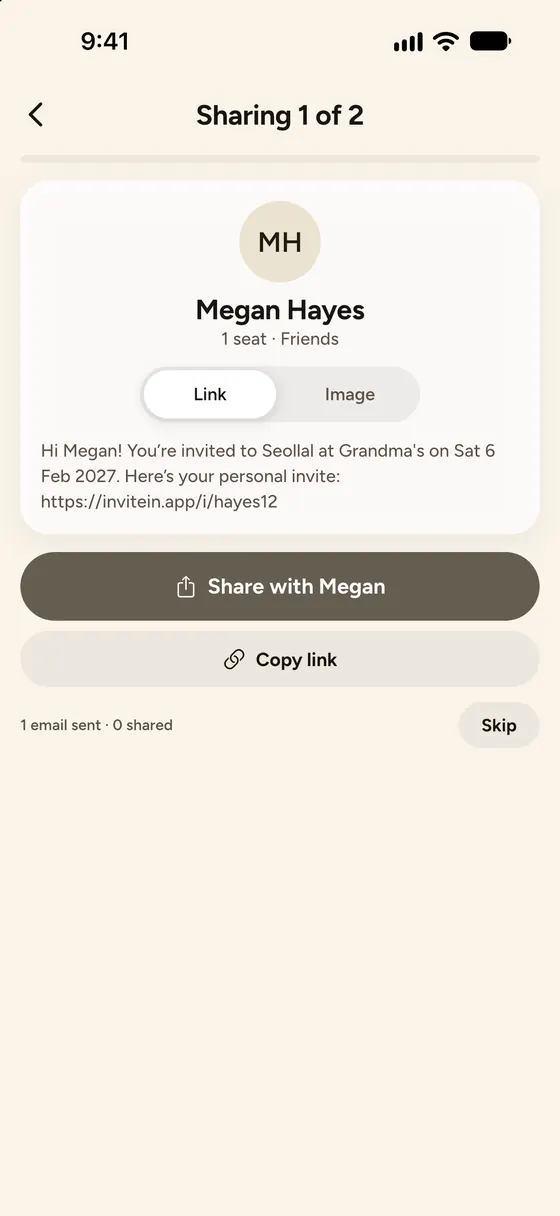
Each guest gets a separate invitation with their own link and personal QR code. On the share screen, you can tap a button to send it by WhatsApp, email or text message, or copy the link and pass it on to guests one by one.
Guests don't need an app or an account. They reply in their browser by tapping attending, maybe or not attending. You can also add one question of your own, and asking about foods guests can't eat or allergies ahead of time is helpful when you plan the meal.
-
See who is coming at a glance
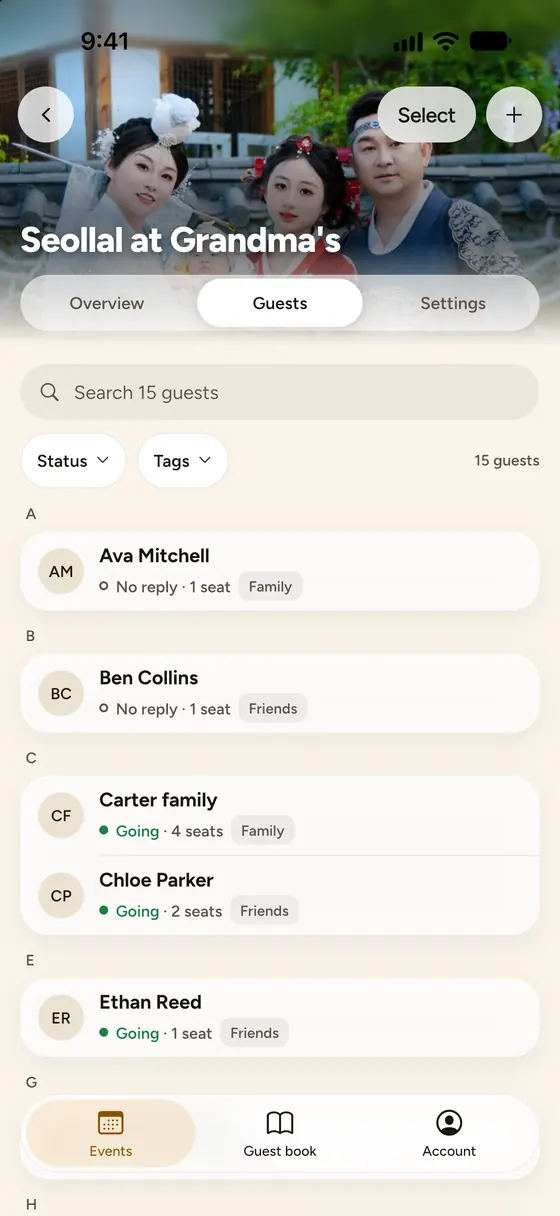
The guest list shows who is attending, who is undecided, who hasn't replied yet and how many seats are confirmed, all at a glance. You can search by name or filter by status or by tags such as family and friends, which makes it easy to follow up only with those who haven't replied.
Many people travel home for Seollal, so plans are often settled late. Allow plenty of time for replies with travel in mind, and ask undecided guests once more just before the holiday. If you add a family tag, you can view your family on their own.
-
Arrange seats for everyone
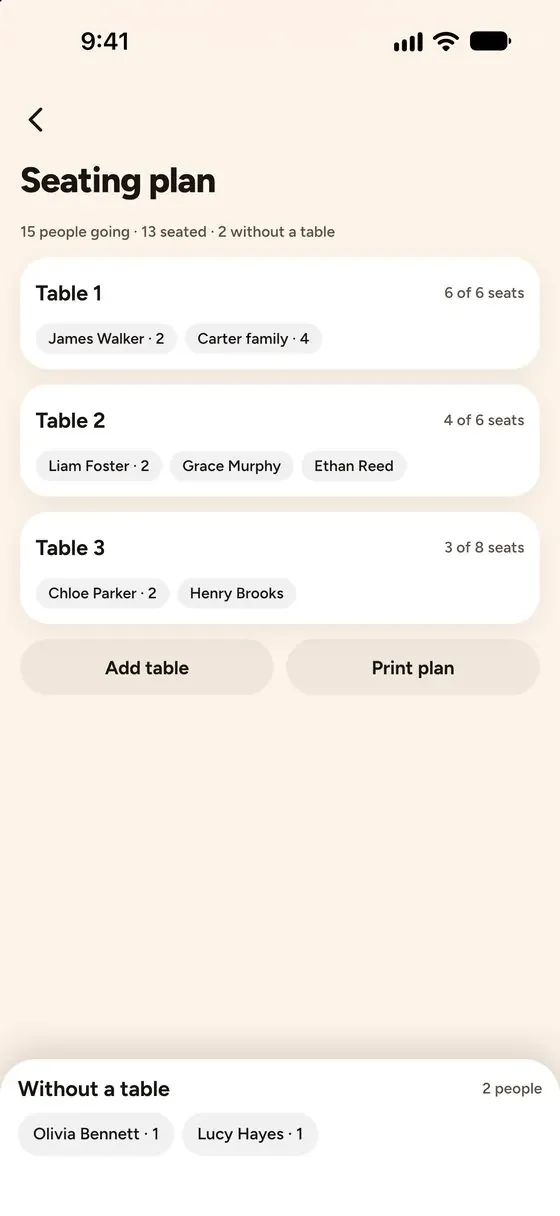
Set the number of tables and the seats per table, and guests who don't have a seat yet appear separately. Assign guests to tables to fill the empty seats, and you can print the finished seating plan and place it at the entrance.
At a Seollal table, it is good to seat the elders where they can sit comfortably. Try placing the children close to the elders so it is easy to bow for sebae and exchange New Year wishes. Thinking ahead about space for the tteokguk bowls and a yutnori board will make things easier.