 Invite In
The RSVP app: every guest replies on their own page
Send each guest their own invitation and let them answer going, maybe or can't. You see every reply in one list, set a deadline and a maximum, ask your own questions and remind the people who have not replied.

Coming soon for iPhone and iPad
For Android. Up to 10 people per event included.
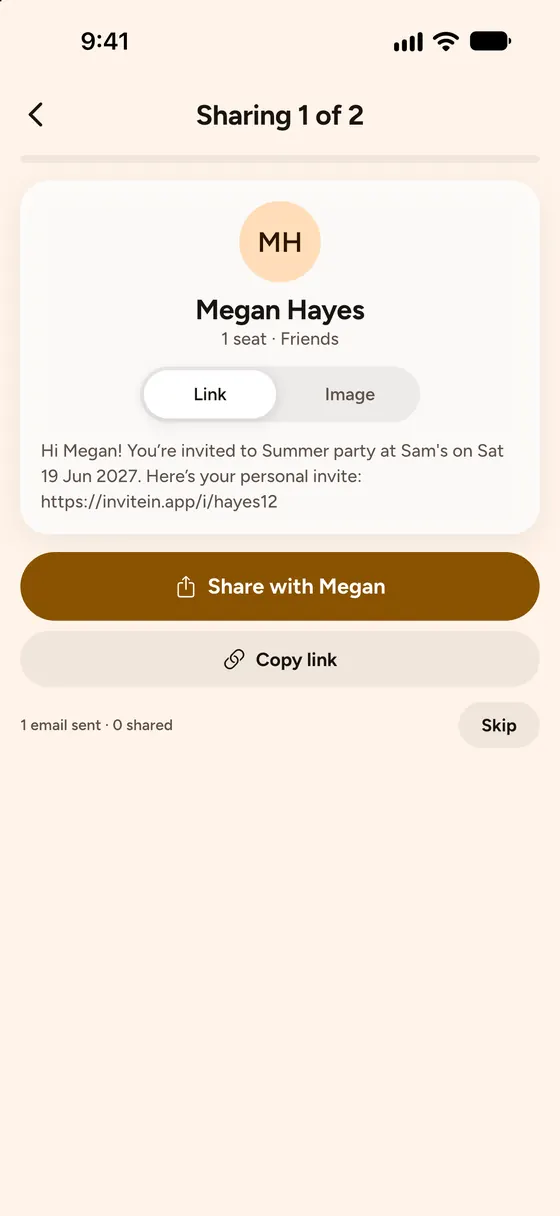
A reply page for every guest
Each guest opens their own link in the browser and taps going, maybe or can't. No app and no account. A guest invited with several seats picks how many of them are coming.
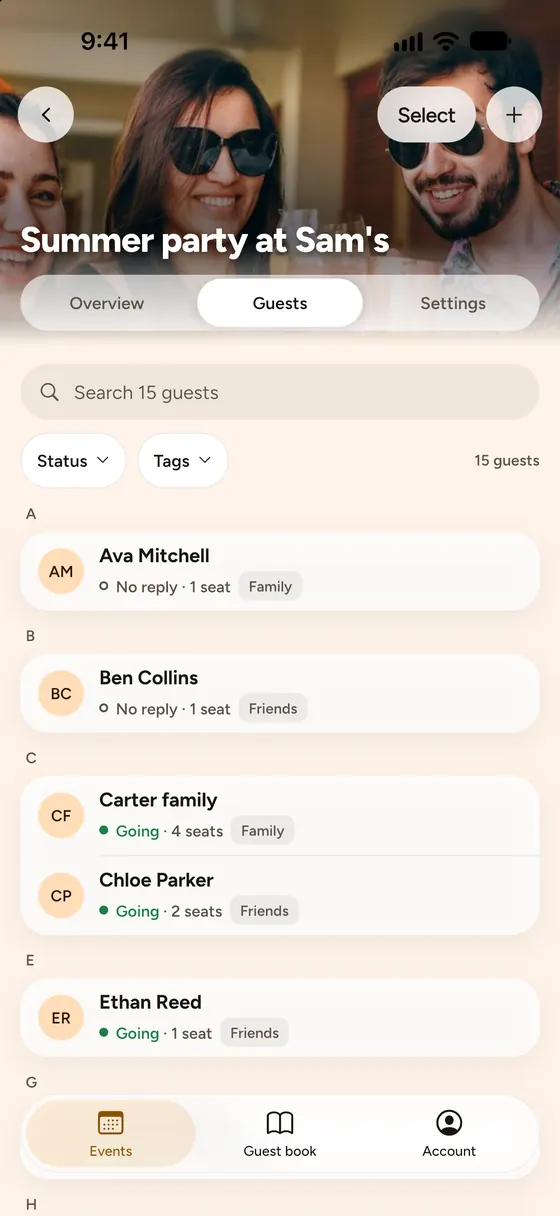
Every reply in one list
Going, maybe, can't and no reply yet, with each guest's seats. Filter by reply, and open a guest to see their timeline, including when they replied.
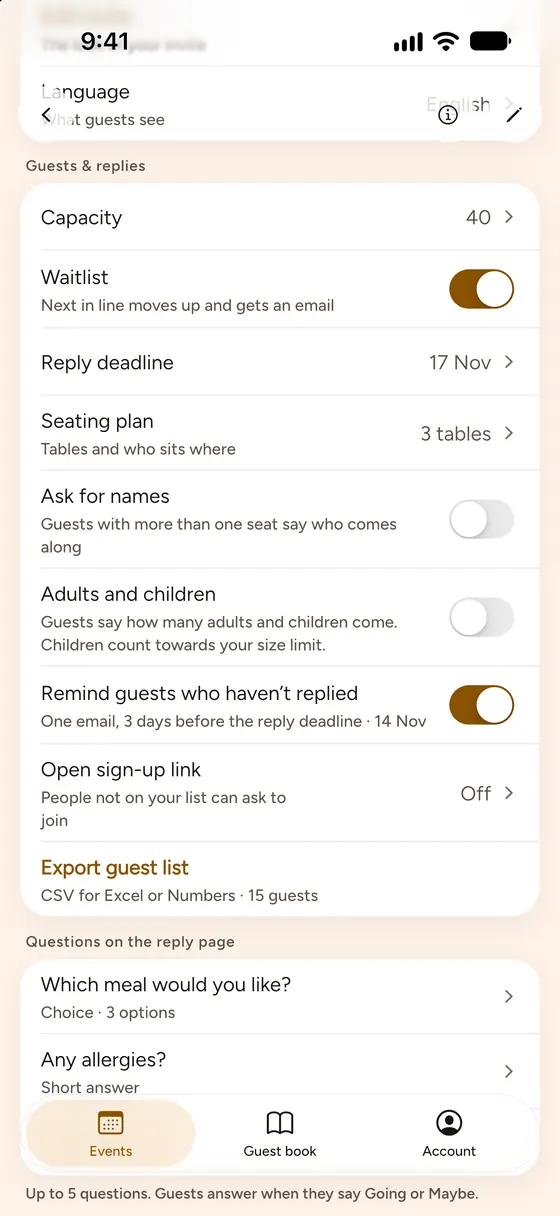
A deadline, a maximum and a waitlist
Set a reply deadline. Set the most people at once; when it is full, the rest wait in line and are moved up when someone drops out, and they get an email.
Ask what you need to know
Add up to 5 questions to the reply page, such as a menu choice or allergies. Guests answer when they say going or maybe.
Nudge the ones who have not answered
Switch on one reminder email to guests who have not replied: 3 days before the reply deadline, or 7 days before the event when there is no deadline.
How it works
Send the invitations
Each guest gets a personal link or image, by email or WhatsApp.
Guests reply
Going, maybe or can't on their own page, plus your questions.
Follow and remind
See the list fill up, move people off the waitlist, remind the ones who have not answered.