 Invite In
Friendsgiving planning: invitations, replies and a potluck that works
Friendsgiving has no fixed date: most people hold it on a weekend near US Thanksgiving, on Thursday 26 November 2026. Here is how to invite your friends, split the dishes and keep track of the replies.

-
Pick the evening and make the invitation
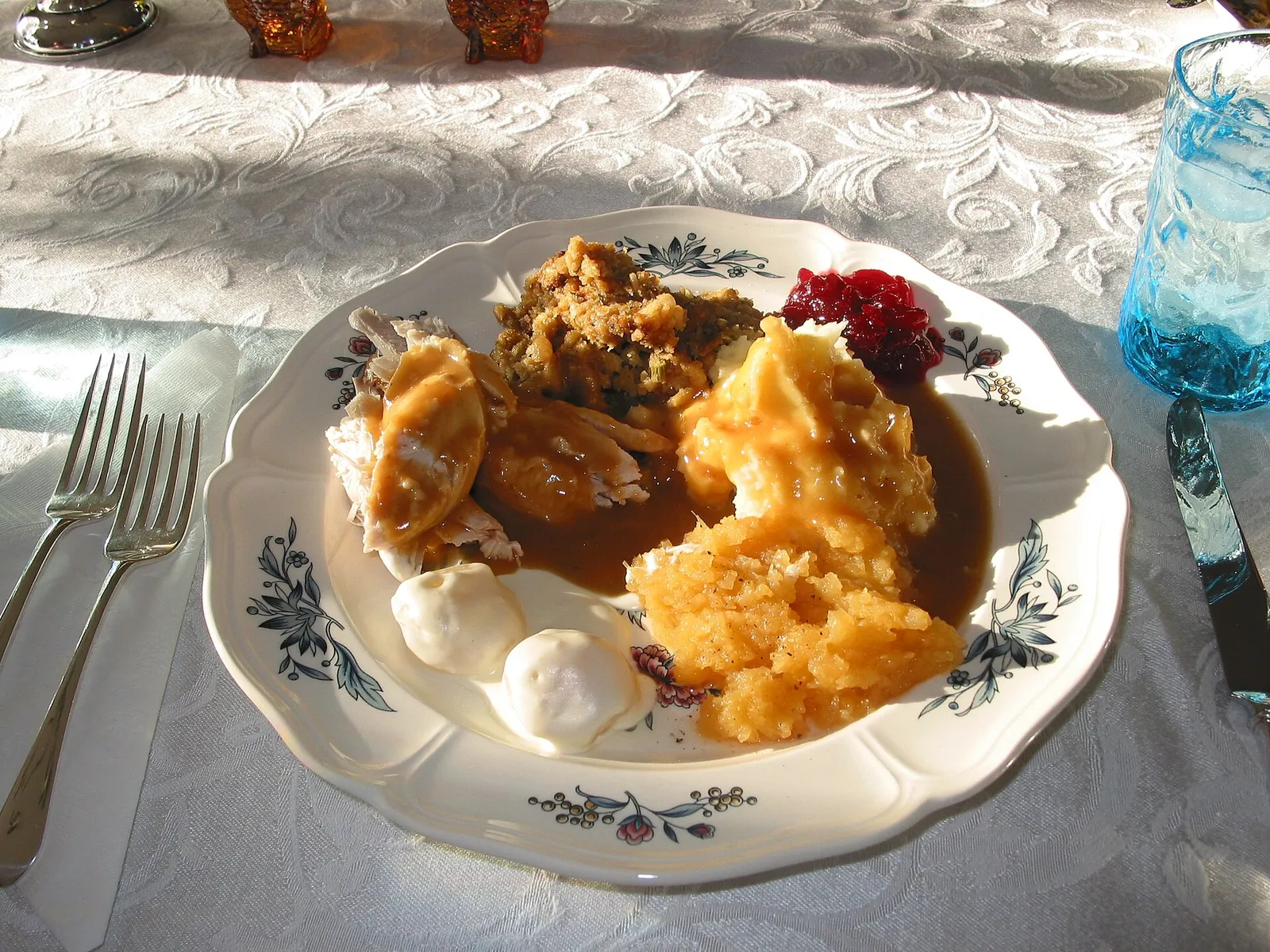
Friendsgiving is Thanksgiving with friends, usually a potluck with everyone cooking a dish. It has no official date: many people hold it on a weekend in the days before or after Thanksgiving, which in the US is Thursday 26 November 2026, because on the day itself most people are with family. Choose a date early, as calendars fill up fast in November.
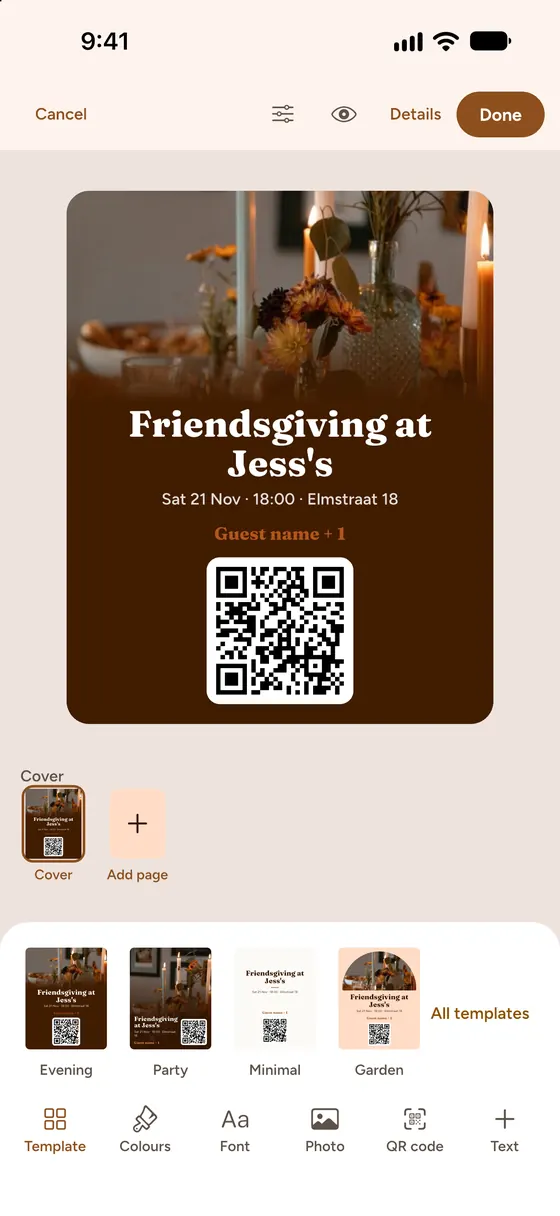
Put the date, the time and the address on the invitation, and add a short line, for example that everyone brings a dish.
-
Ask about allergies and what people eat
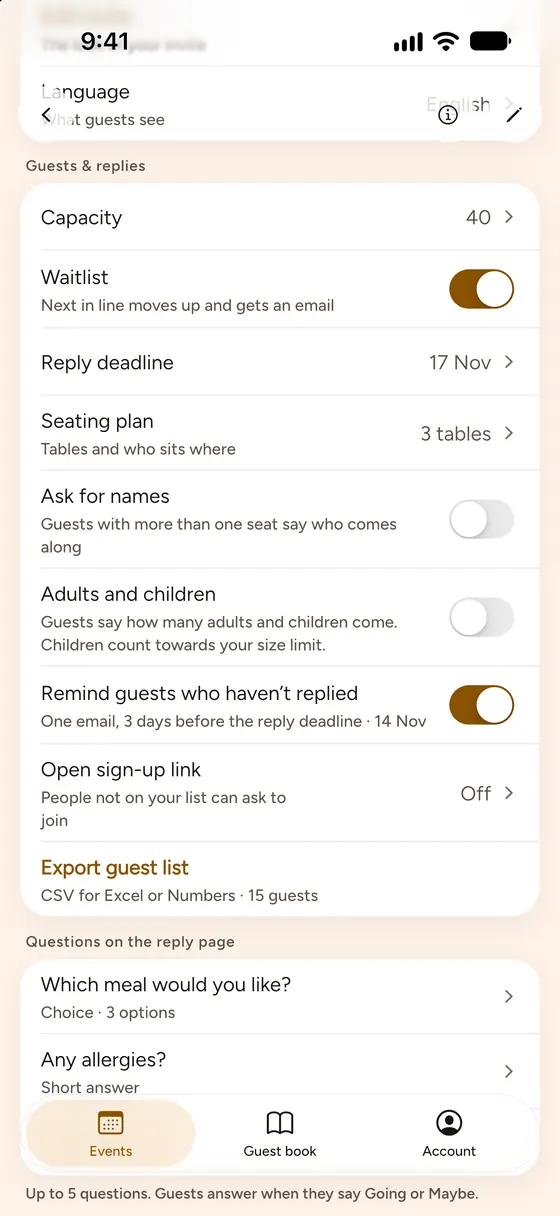
Every friend gets a personal invitation with their own link and QR code. They answer in their browser, with no app and no account: coming, maybe or not coming.
Add your own questions to the reply page, such as "Any allergies?" or "Which meal would you like?", and set a reply deadline. Guests answer once, so you do not have to chase the group chat.
-
Share the dishes
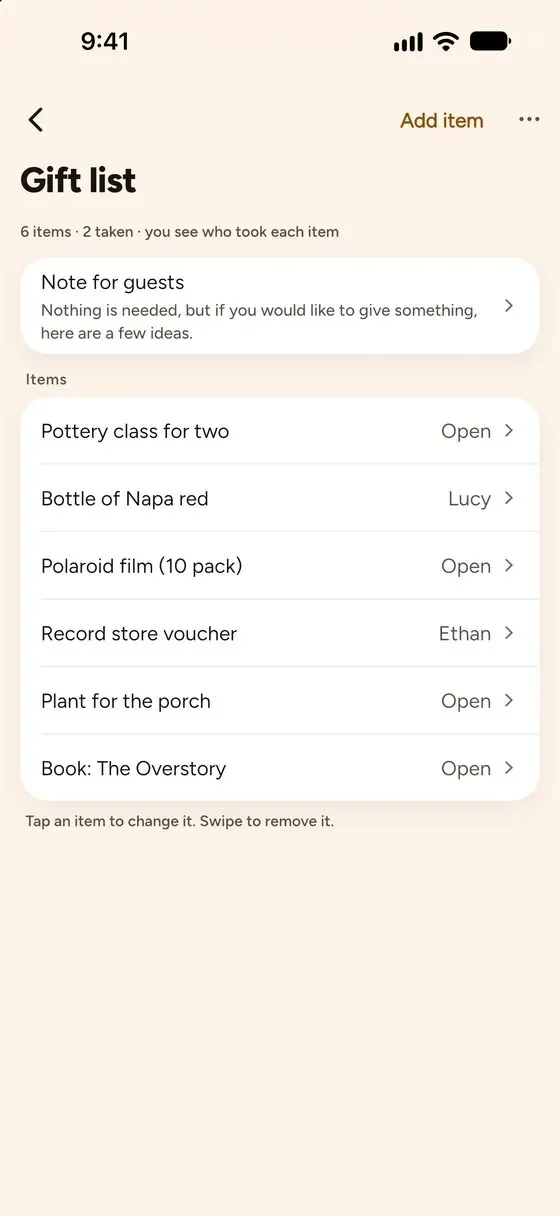
A potluck works when nobody brings the same thing. Make a list of what is needed, such as the stuffing, the sides, the pies and the drinks, and let guests pick an item. You see who took what, so nothing arrives twice and nothing is forgotten.
Plates, cups and a few chairs can go on the list as well.
-
Seat everyone
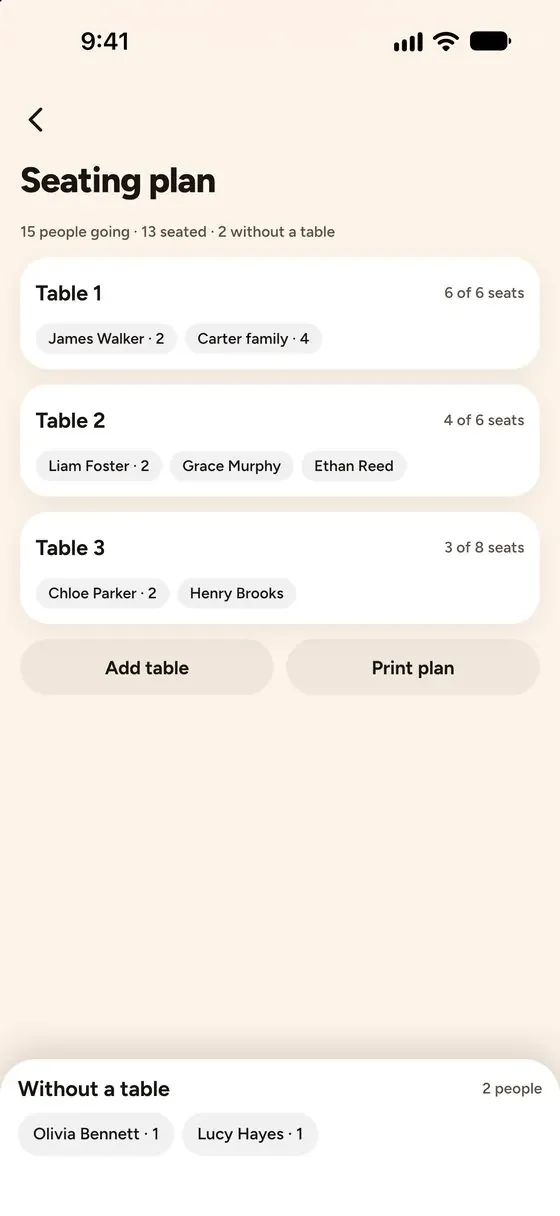
With friends from different groups at one table, a seating plan helps everyone find someone to talk to. Add the tables, set the number of seats on each and put every guest at a table. You see at a glance who still has no seat.
You can print the plan and put it by the door.