 Invite In
Bar and bat mitzvah planning: invitations, replies and the seating
A bar or bat mitzvah has no fixed season. Here is how to invite your guests, ask about dietary needs and keep track of the replies and the seating.
-
Pick the day and make the invitation
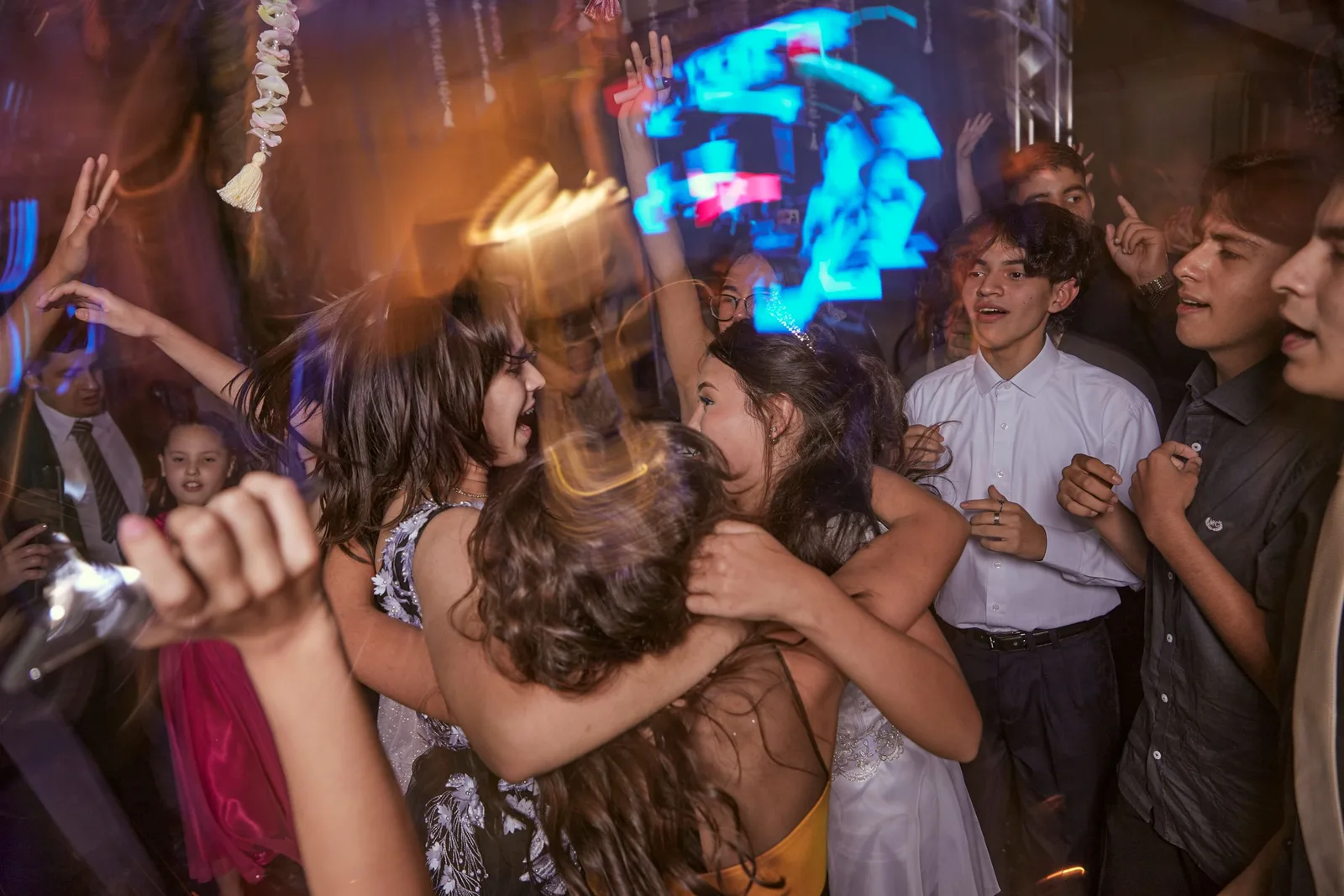
A bar mitzvah (for a boy) or a bat mitzvah (for a girl) marks the age at which a Jewish child takes on the commandments, at 13 for a boy and at 12 or 13 for a girl, depending on the community. The service is held at a time set with the synagogue, often on a Shabbat morning, and it is read from the Torah portion of that week. Many families hold a kiddush or a lunch after the service, and some add a party in the evening or on another day.
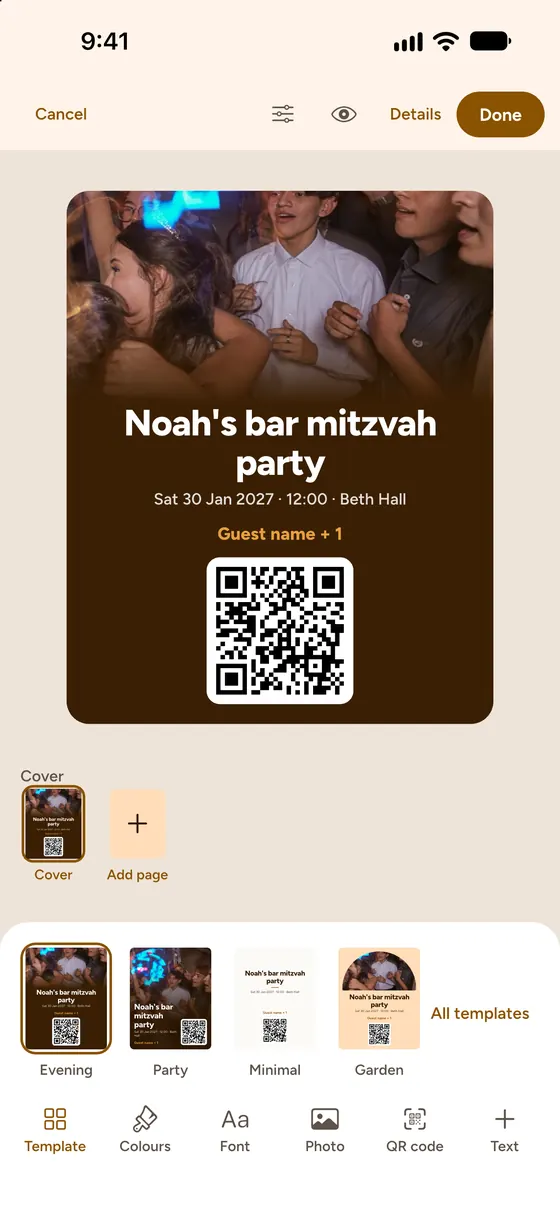
Make an invitation with the date, the times of the service and the meal, and the address, and add a short line, for example the dress code.
-
Send each guest a personal invitation
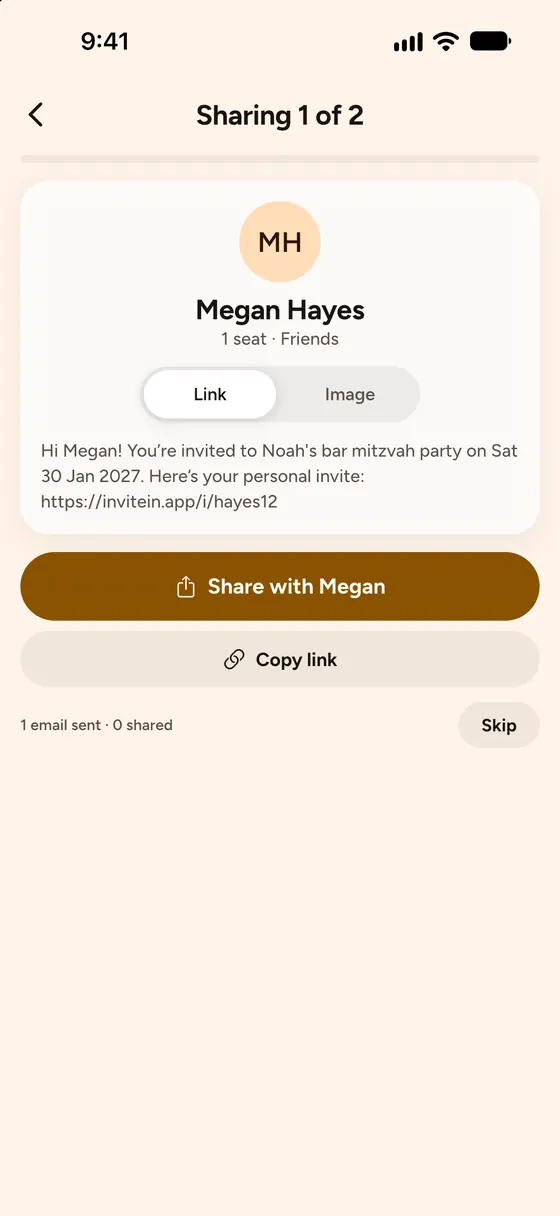
Every guest gets their own link or image, with their own QR code, to share by WhatsApp, email or text message.
Guests answer in their browser, with no app and no account: coming, maybe or not coming. Add a question of your own, such as "Any dietary needs?", so you do not have to ask in the group chat. If the meal is kosher, say so on the invitation.
-
See who is coming
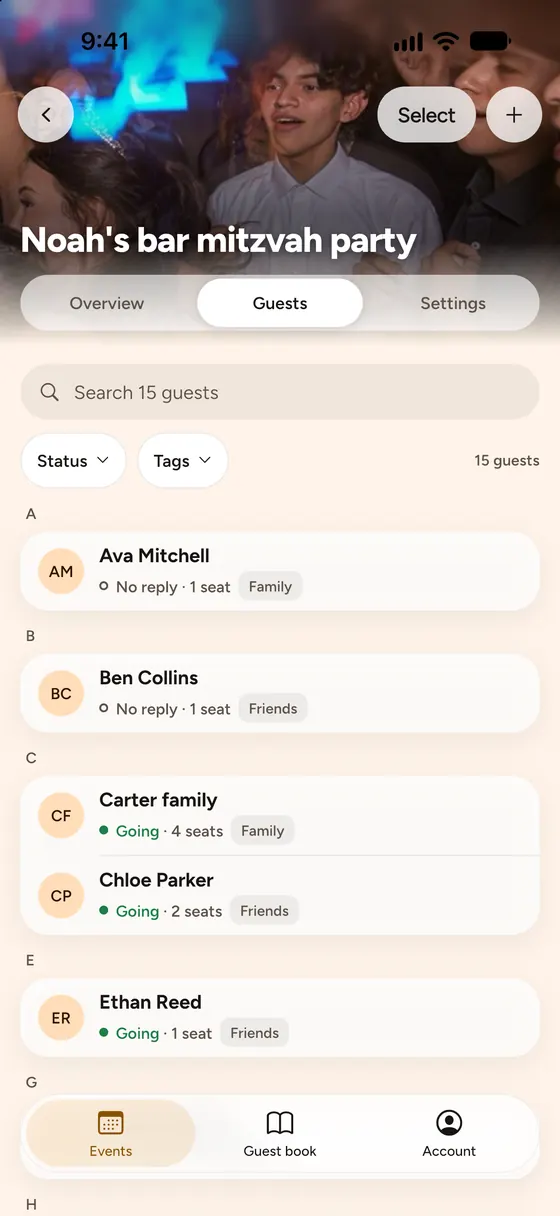
The guest list shows who said yes, who said maybe and who has not replied yet, with the number of seats. You can search it and filter it by status or by a tag such as family or friends.
Check the numbers before you book the caterer, and again a week before. Children count as guests too, so give each family the number of seats it needs.
-
Plan the tables
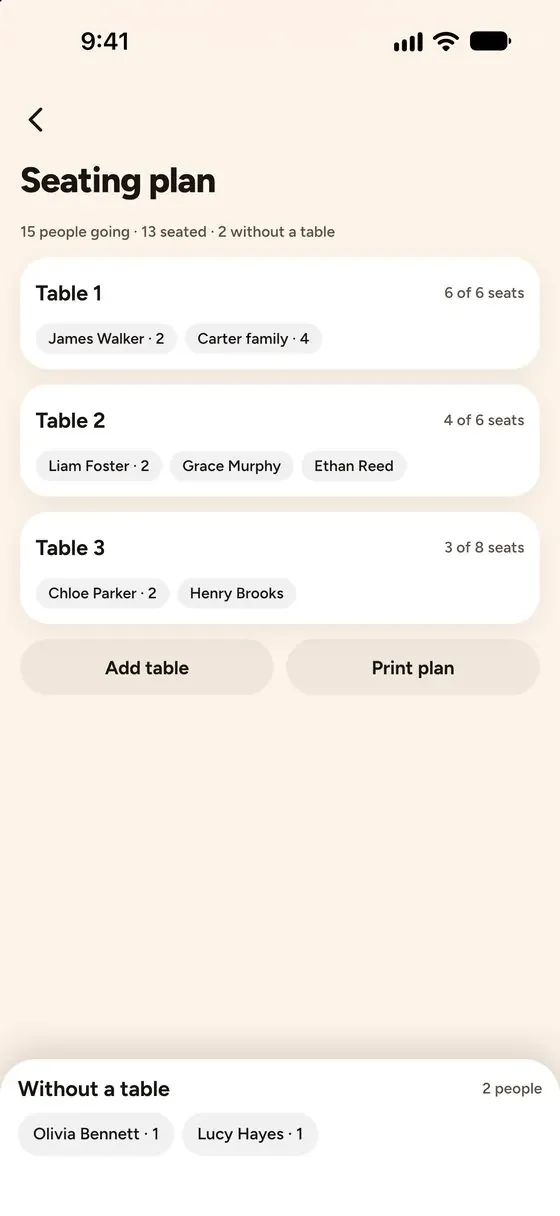
A celebration brings together family, friends from the community and friends of the child. In the seating plan you create the tables, set the number of seats and place each guest. You see which guests still have no seat.
Seat the family of the child at the main table, and put friends of the same age together.